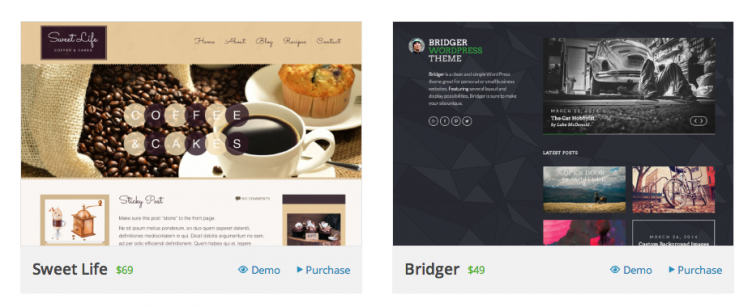
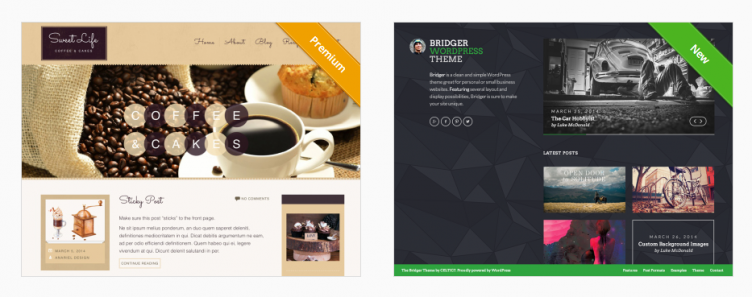
The new design isn’t a big stretch from the previous one, but it is cleaner and more modern.
One item to note is that premium themes are now less obvious, as the “new” and “premium” banners of the old directory have been removed, in favor of a simple price shown in the bottom left hand corner.
It also appears that “new” themes are not filterable any more.
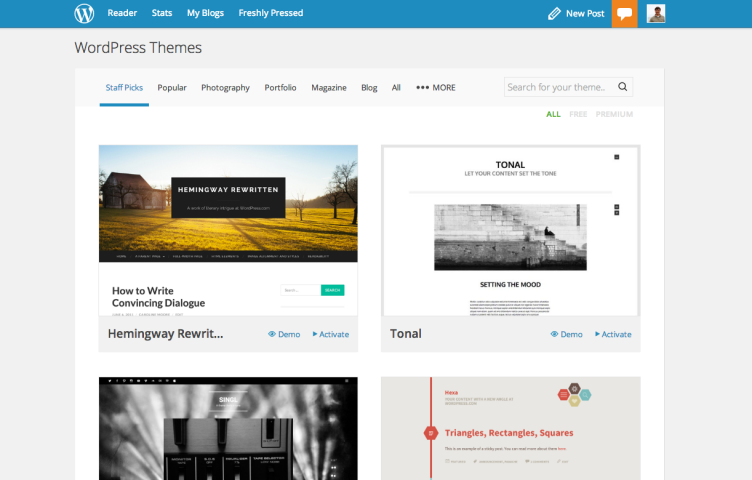
The new lookThe old look
The WordPress.com advanced theme search tab has also been improved quite a bit.
Pippin Williamson and Andrew Munro have just launched Version 1.0 of AffiliateWP, an affiliate marketing plugin for WordPress with simplicity and ease of use in mind.
Pippin is well known in the WordPress community for his work as a plugin reviewer on WordPress.org, his blog and plugins on PippinsPlugins, and his popular eCommerce product Easy Digital Downloads. Andrew Munro has been a big contributor to Easy Digital Downloads since 2012, primarily using the name Sumobi. He also boasts themes and plugins for Easy Digital Downloads.
How AffiliateWP came to be
Late last year, Pippin got fed up with the various affiliate marketing options, and set out to do it the right way, straight from WordPress. From the announcement post, they cite their motivation:
We wanted a platform that was reliable, worked effectively, and one that we loved to use.
Today is the result of those months of work, and amazingly the plugin already has 14 contributors.
In an impressive move, Pippin and Andrew have decided to host and maintain the plugin on a public Github repo, despite selling the plugin as a commercial product. Post Status contributing editor Travis Northcutt will have an interview up with Pippin soon to talk about that decision.
AffiliateWP pricing and how to use it
AffiliateWP has gone through two beta cycles and is in use on a select number of production websites, including Pippin’s own. Now, anyone can use AffiliateWP for a starting price of $49 per year. Additional licenses are available for $99 and $199.
If you’re interested in a complete breakdown of how to use the plugin, Beka Rice has already done an excellent job showcasing how to use AffiliateWP on the SellwithWP blog.
Pantheon is a website development, deployment, and hosting platform. But they aren’t just any host. They like to think of their product as a hosting killer, because in their mind, they do much more than just hosting.
I heard about Pantheon for the first time last year, when it was a Drupal-only platform. When Pantheon announced last week that their platform would now support WordPress, I knew I had to check it out.
I spoke with Josh Koenig, one of the co-founders of Pantheon, and the Head of Developer Experience for the company. You can listen to our entire half hour conversation here:
Pantheon markets itself differently than most hosts. For one, they target developers. They think about developers all the way down to the way to pay for services; they have a feature for developers to invite a client to pay for a service they’re managing, versus a client needing to share access with their developer.
The way Josh describes Pantheon, it’s more like Heroku than a traditional host in terms of how it runs. A Pantheon customer, like a Heroku customer, is on the exact same platform as every other customer. For scaling, Pantheon simply adjusts the number of containers that are running, similar to Heroku’s Dynos.
The containerization is much more nimble and much more efficient than virtual machines are. … If you have a bunch of virtual machines that are all running websites, they’re probably all running the same server software, using the same libraries, but they’re doing many copies of that for every virtual machine, whereas we have one host endpoint and that can share all the common binaries, all the common libraries, for all the containers that are located there.
Containers can spin up in ten or fifteen seconds, much faster than scaling your website from one type of hosting (like a shared environment) to another (like a VPS) with a traditional host.
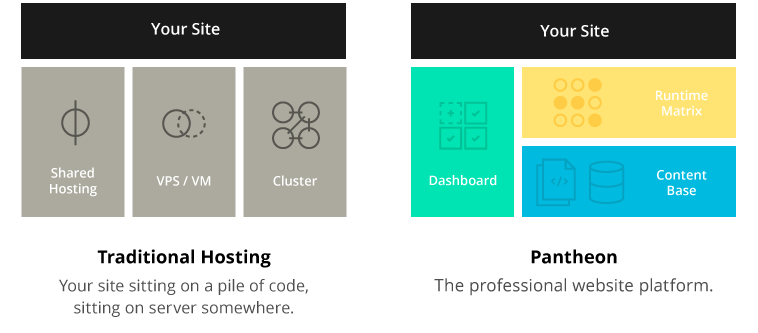
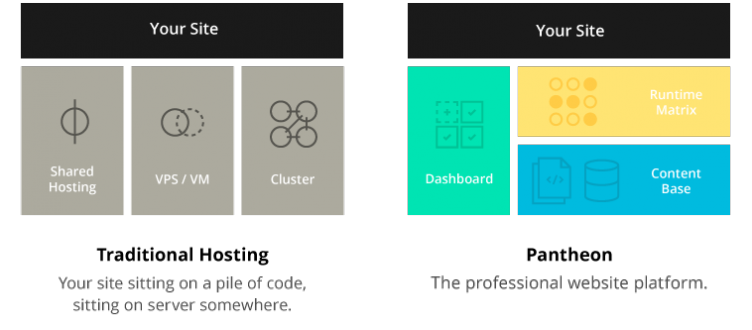
How Pantheon compares their platform to traditional hosts


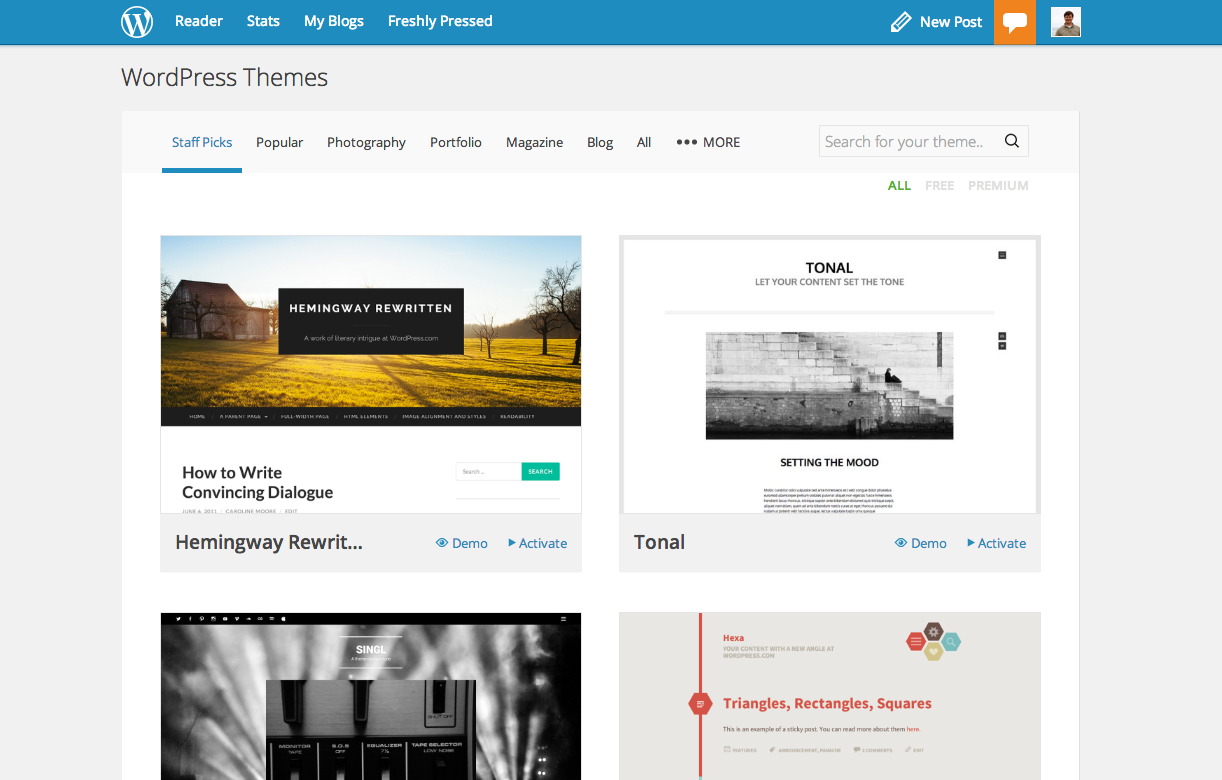
 The WordPress.com theme directory received a facelift yesterday, as well as some functionality changes.